
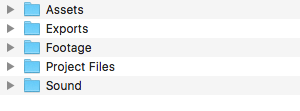
Some of this will be obvious, but the goal is that anyone can open up any project and be able to access the assets easily. To start, make a main project folder with the client’s name on your desktop, this will serve as the main folder holding all assets for the project. Then make 5 sub folders within your main client folder, as seen below.
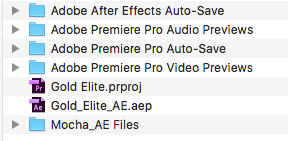
The Project File folder will hold all project files, including Premiere, After Effects, Mocha AE (please make subfolder if you have multiple tracks), and Resolve. Please set your scratch disks in this folder when creating your project as well. Here is an example:
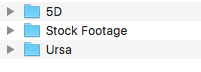
The Footage folder will hold all of the footage for the project. Please upload each camera separately in their own sub folder. Any stock footage place in its own respective folder as well.
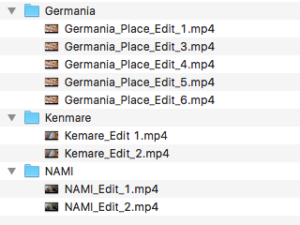
Export each version of your project into the Exports folder, and keep a consistent naming system. Such as: Client_E1, Client_E2,_Client_E3 and so on. If you have multiple videos from the same client, please make sub folders for each video.
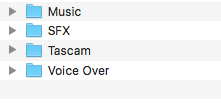
Place all sound (tascam, voice over, SFX and music tracks) in the sound folder in their respective sub folders.
Place all other assets (pictures, logos, anything else) into the assets folder.