- Log into TPP's website
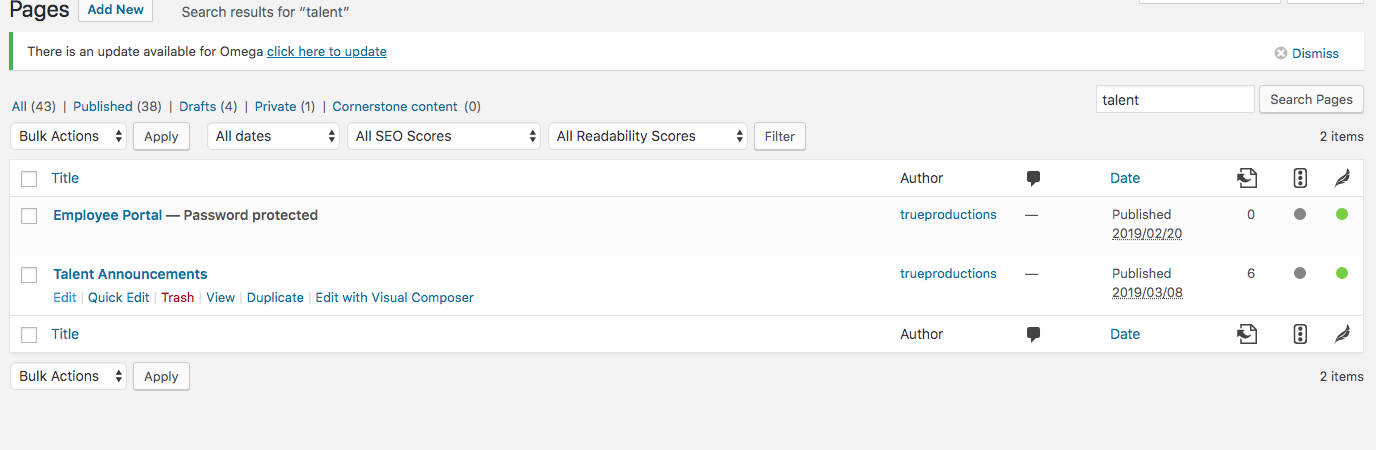
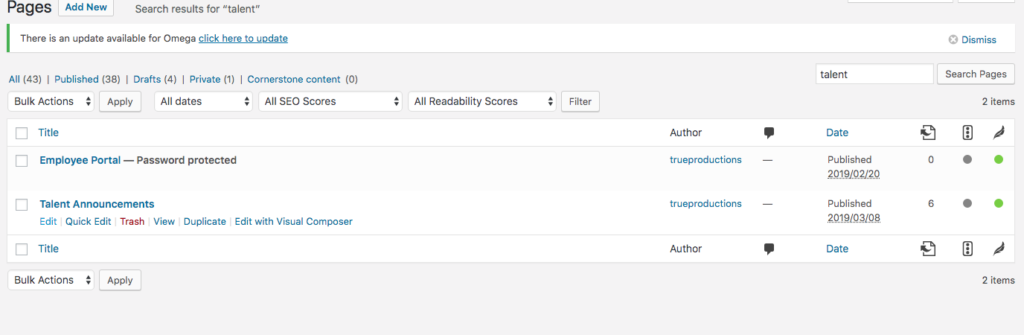
- Go to Pages
- Find Talent Announcement > hover over it and click Edit
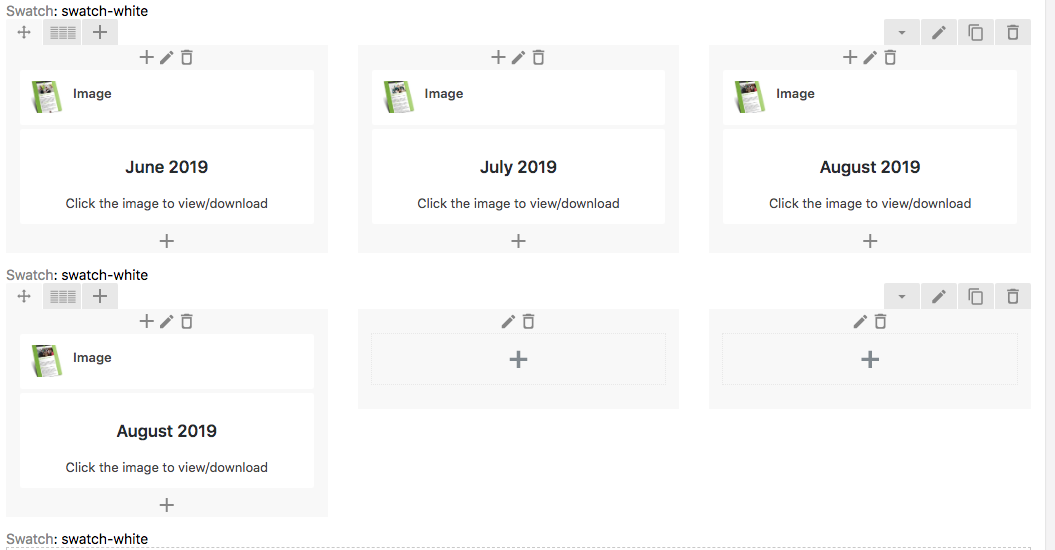
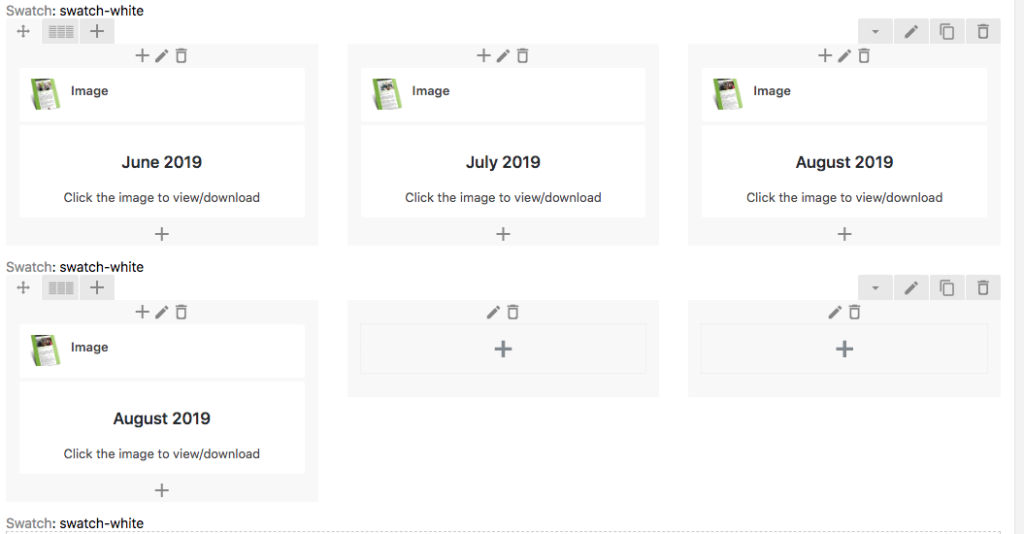
- Clone the last month's section and replace the text and image with what TPP provided.
- To edit the cover - use template that is placed in /Volumes/Office Docs/Client Files/Third Party Pet/Templates/Talent Announcement covers
- There is a PSD for you to follow that is from cover action pro that you should copy over to your desktop so you do not save over the template
- After you save the cover > copy the template of the size image on website.jpg to your desktop.
- Open it in Photoshop and resize the new cover matching close as possible to the template image and save.
- Drop your image in https://tinyjpg.com/ and download the new image to upload on the website.
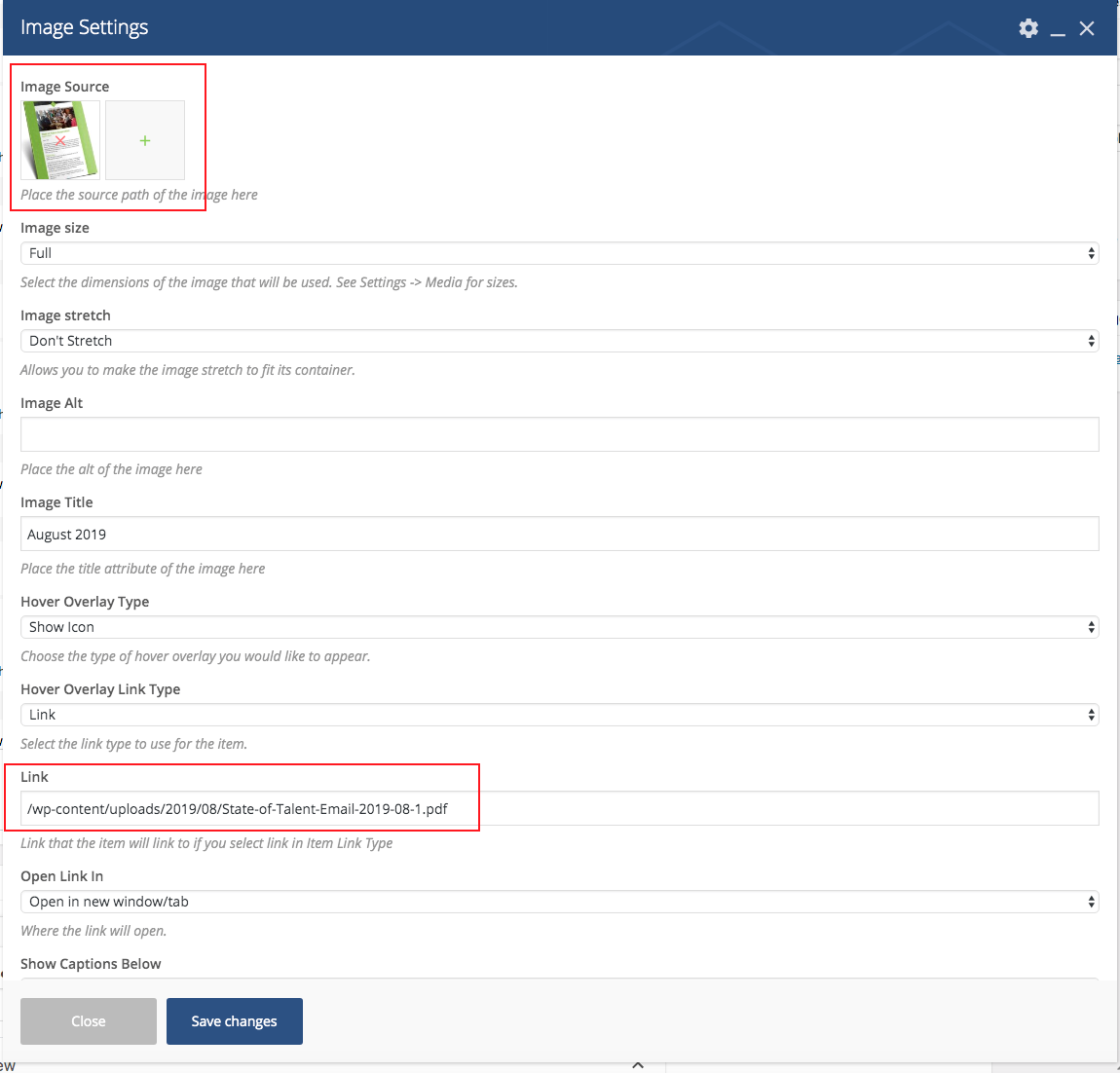
- Then you can upload the new cover to the image section and make sure you set the link to be the PDF that TPP provides.

- Click Update when completed.
- QA the page and click on the image to make sure the PDF is opening in the new tab.